
Basic Router and Wi-Fi Connection Concepts
A simple guide to understanding how your home network actually works.
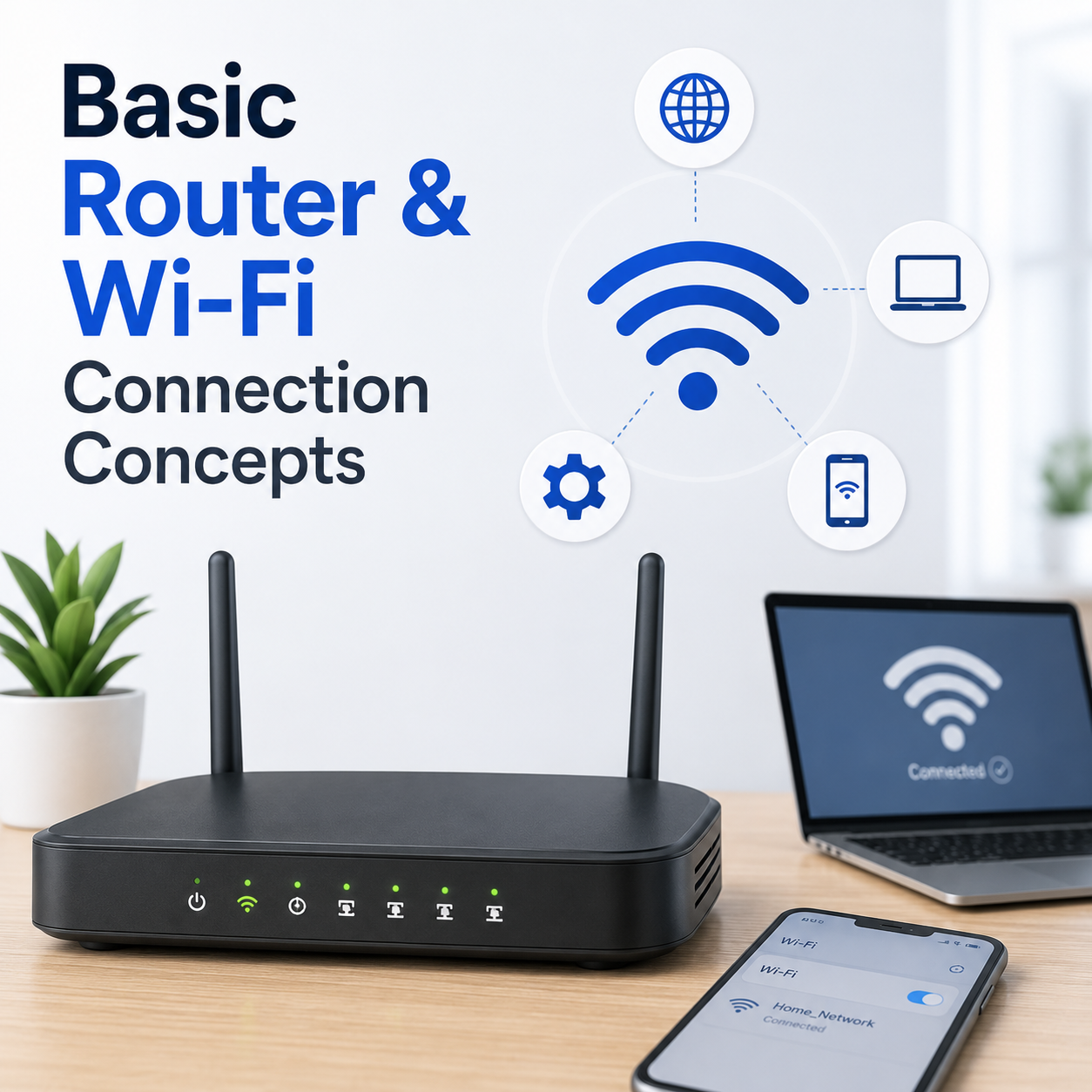
Look at your router
What are the lights telling you right now?
Steady WiFi Light
The router is broadcasting a signal, even if there is no internet.
Blinking Orange/Red
The router is trying to connect but hasn't received a signal from your ISP.
Your router is the "traffic cop" of your home. It takes the internet signal from the wall and decides which device (your phone, laptop, or TV) gets which piece of data.
The Distance Factor
"WiFi signals are like sound. The further you are from the speaker (the router), the harder it is to 'hear' the data. Walls and doors act like thick curtains, muffling the signal."
Key Concepts
- The Modem vs Router: The modem brings the internet in; the router shares it. Many modern boxes do both.
- Frequency (2.4GHz vs 5GHz): 2.4GHz is slower but goes through walls. 5GHz is faster but needs a clear line of sight.
- Bandwidth: Like a highway, if too many devices are on it at once, things start to slow down.
Understanding Connection Flows
The Power Cycle
Unplugging your router for 60 seconds clears its internal memory and forces it to re-establish a fresh handshake with your ISP.
Forget and Reconnect
Telling your device to "Forget" the network and re-entering the password fixes most security and authentication glitches.
Frequently Asked
Why does my phone work but not my TV?
Different devices have different WiFi strengths. Your phone might have a better antenna than your TV or laptop.
Does rain affect WiFi?
No, rain inside the house won't affect it, but moisture in outside cables can sometimes cause drops from your ISP.