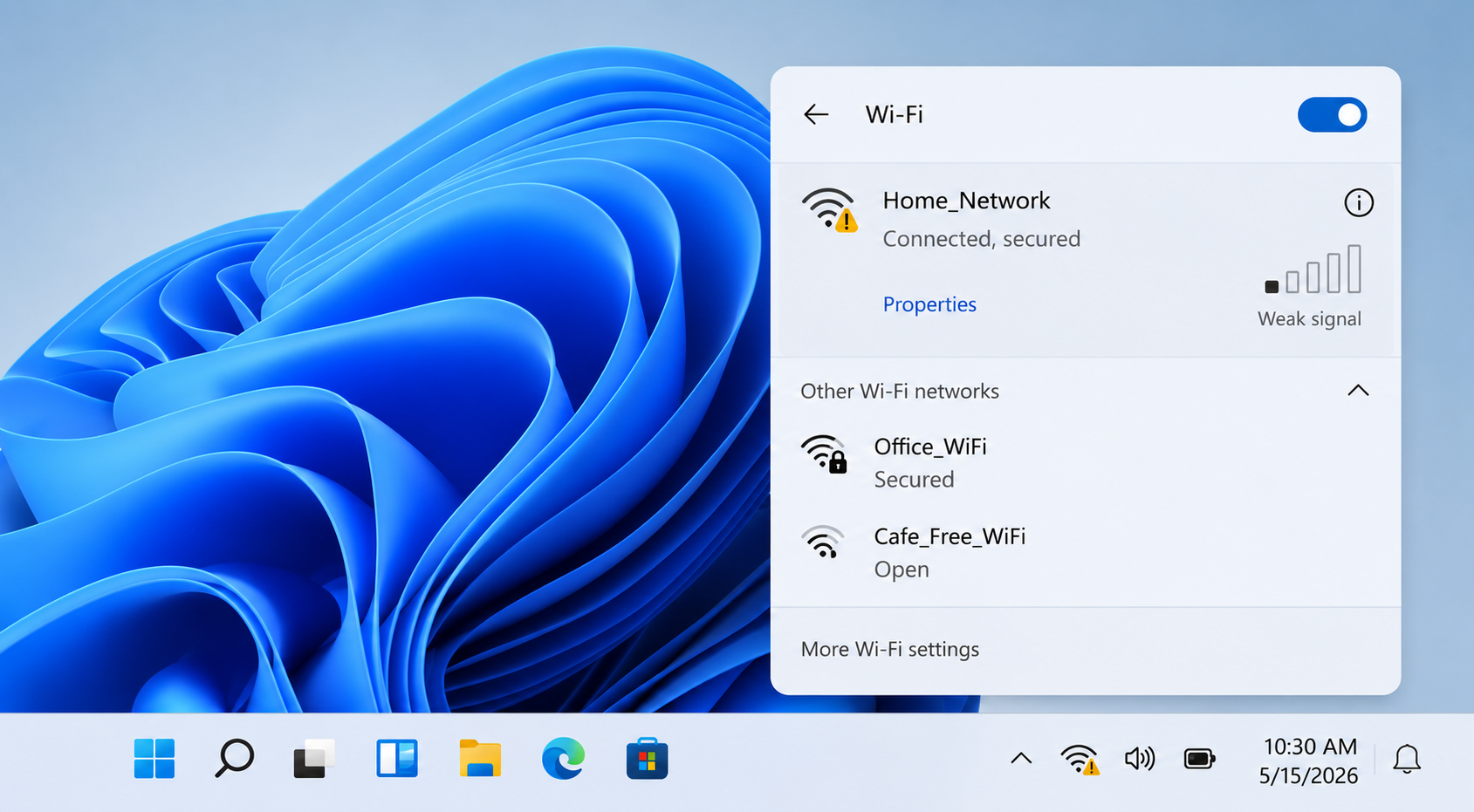
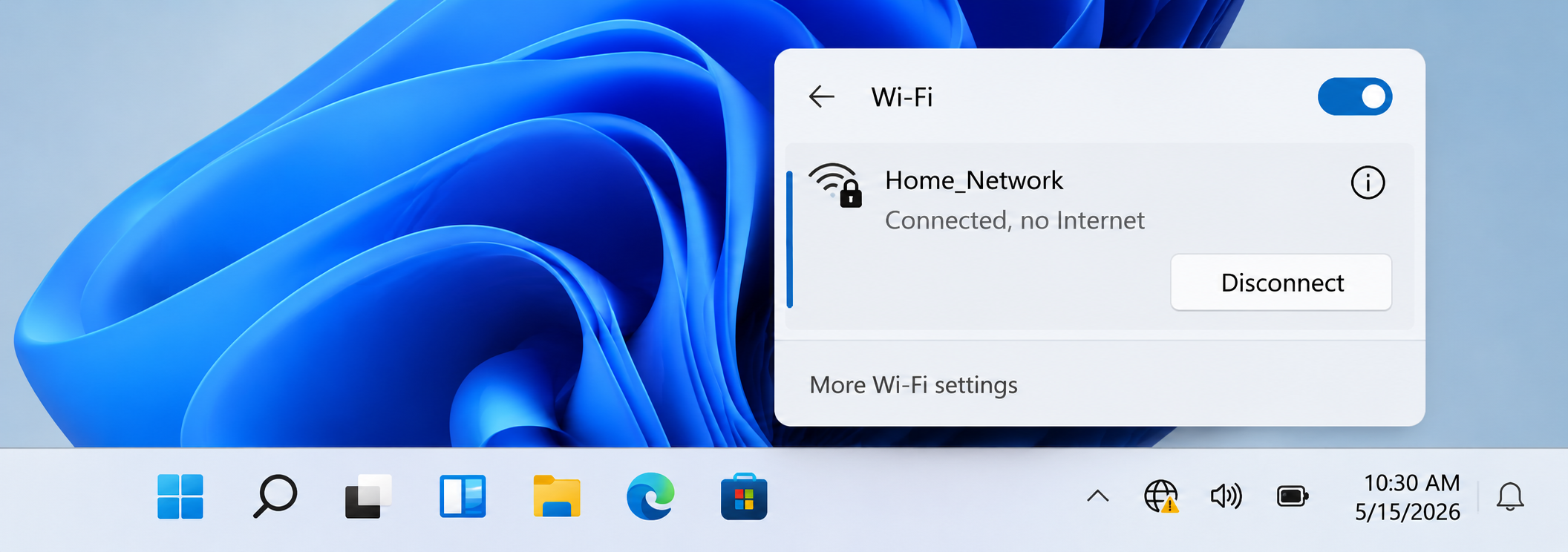
Connected, No Internet
What you see
WiFi icon is connected but browser pages do not load.
What it may mean
The device may be connected to the router, but internet access may not be reaching the router.
Learn what different WiFi icons, router lights, connection messages, and network settings usually mean. This guide uses real-style visuals so readers can match what they see on their own screen.
Real-style network view
These cards explain common WiFi signs in a simple way, using the kind of messages and icons users normally see.
What you see
WiFi icon is connected but browser pages do not load.
What it may mean
The device may be connected to the router, but internet access may not be reaching the router.
What you see
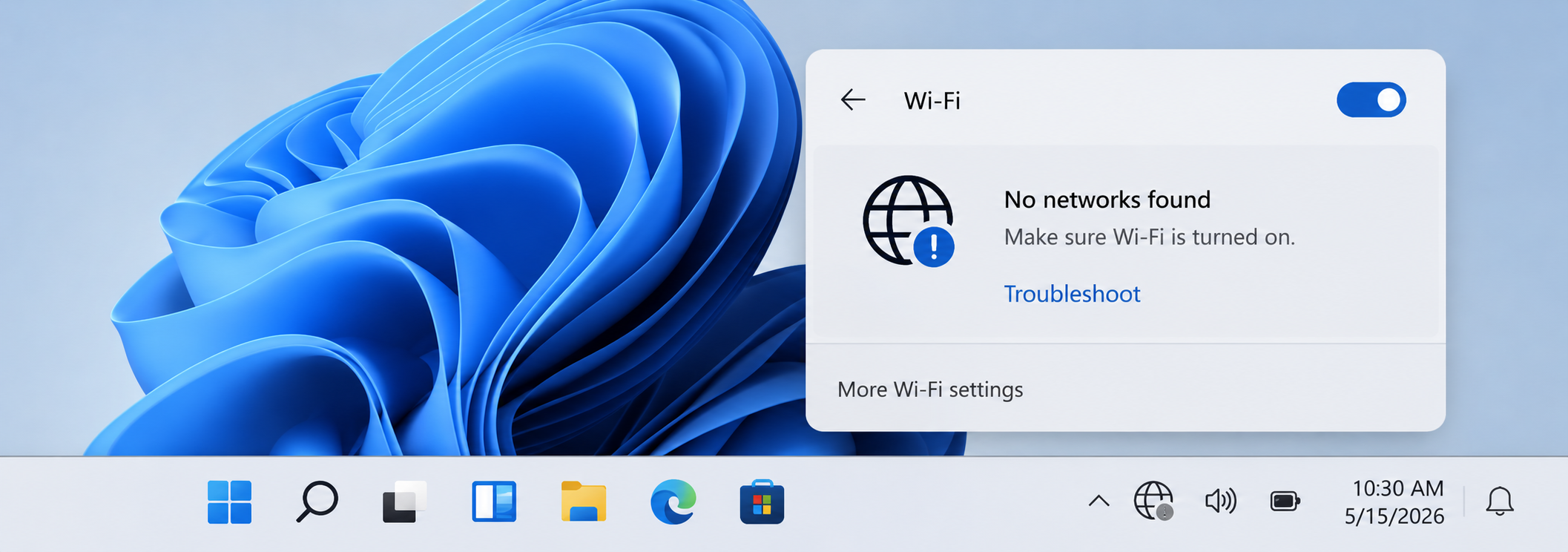
Win does not show nearby WiFi names.
What it may mean
WiFi may be turned off, airplane mode may be enabled, or the wireless adapter may not be active.
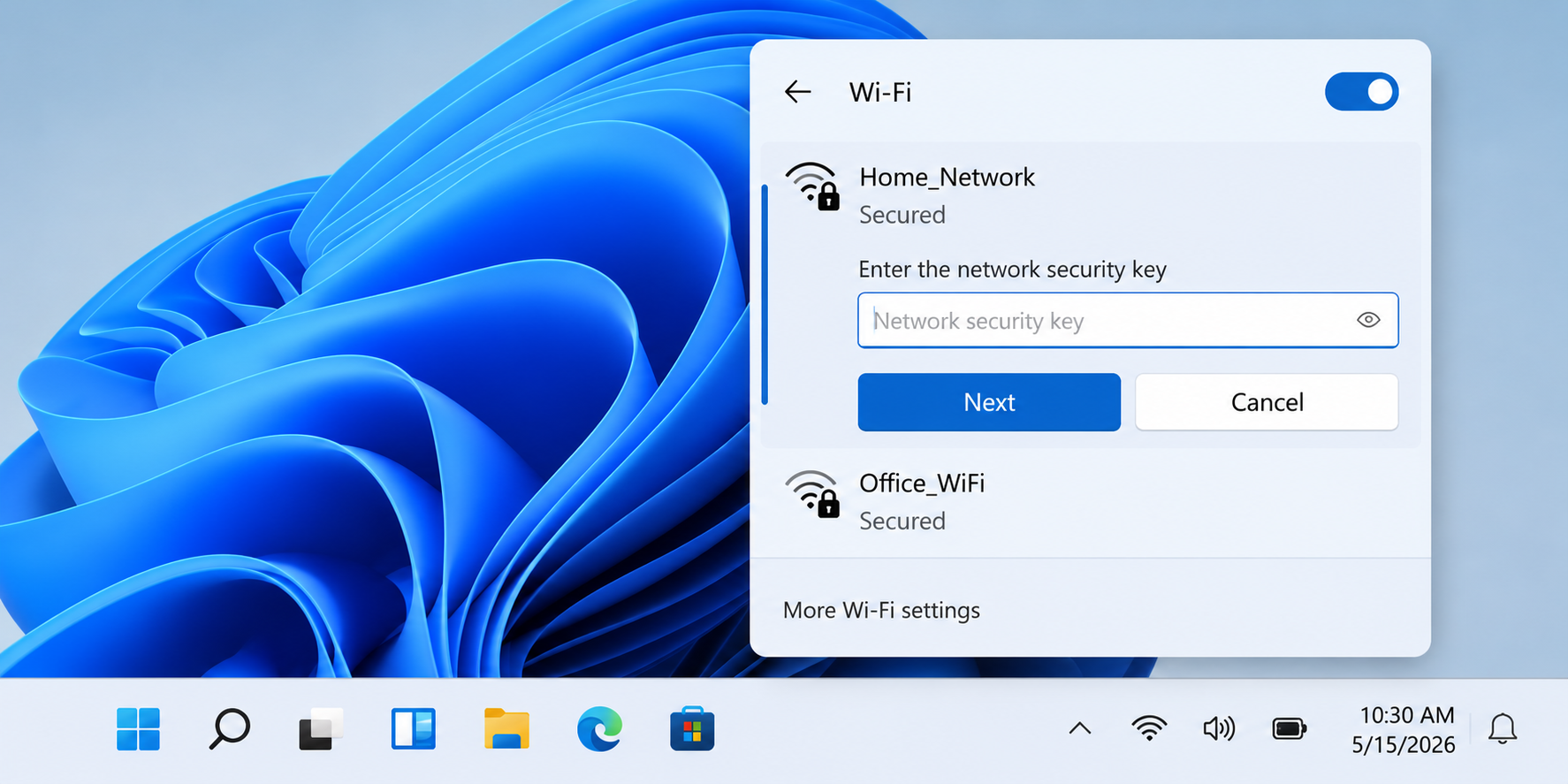
What you see
Win asks for a network security key.
What it may mean
The saved WiFi password may be missing, changed, or removed after settings were updated.
What you see
WiFi bars are low or connection keeps dropping.
What it may mean
The device may be too far from the router or blocked by walls, distance, or interference.
These steps explain where WiFi information usually appears and what each screen area represents.
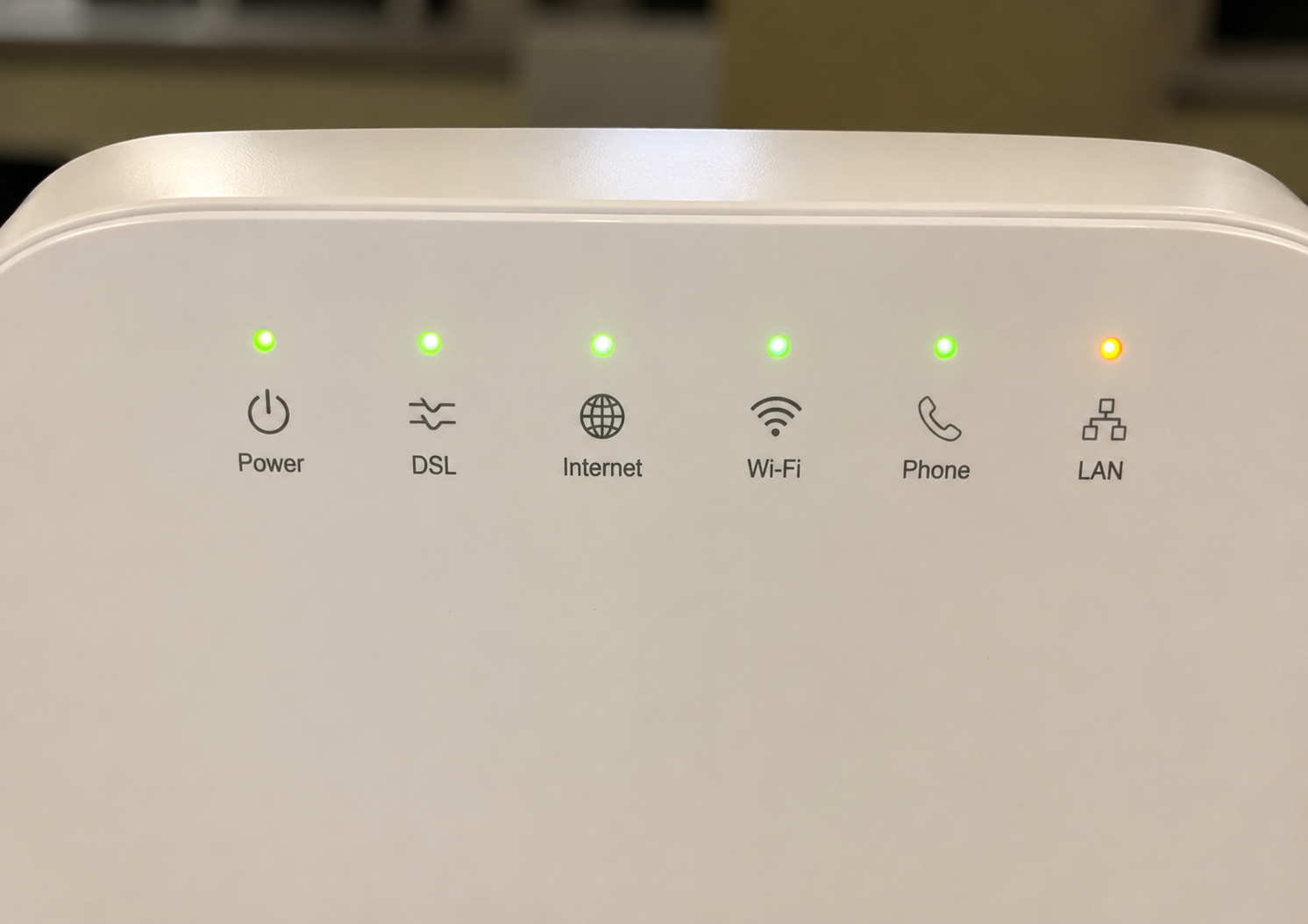
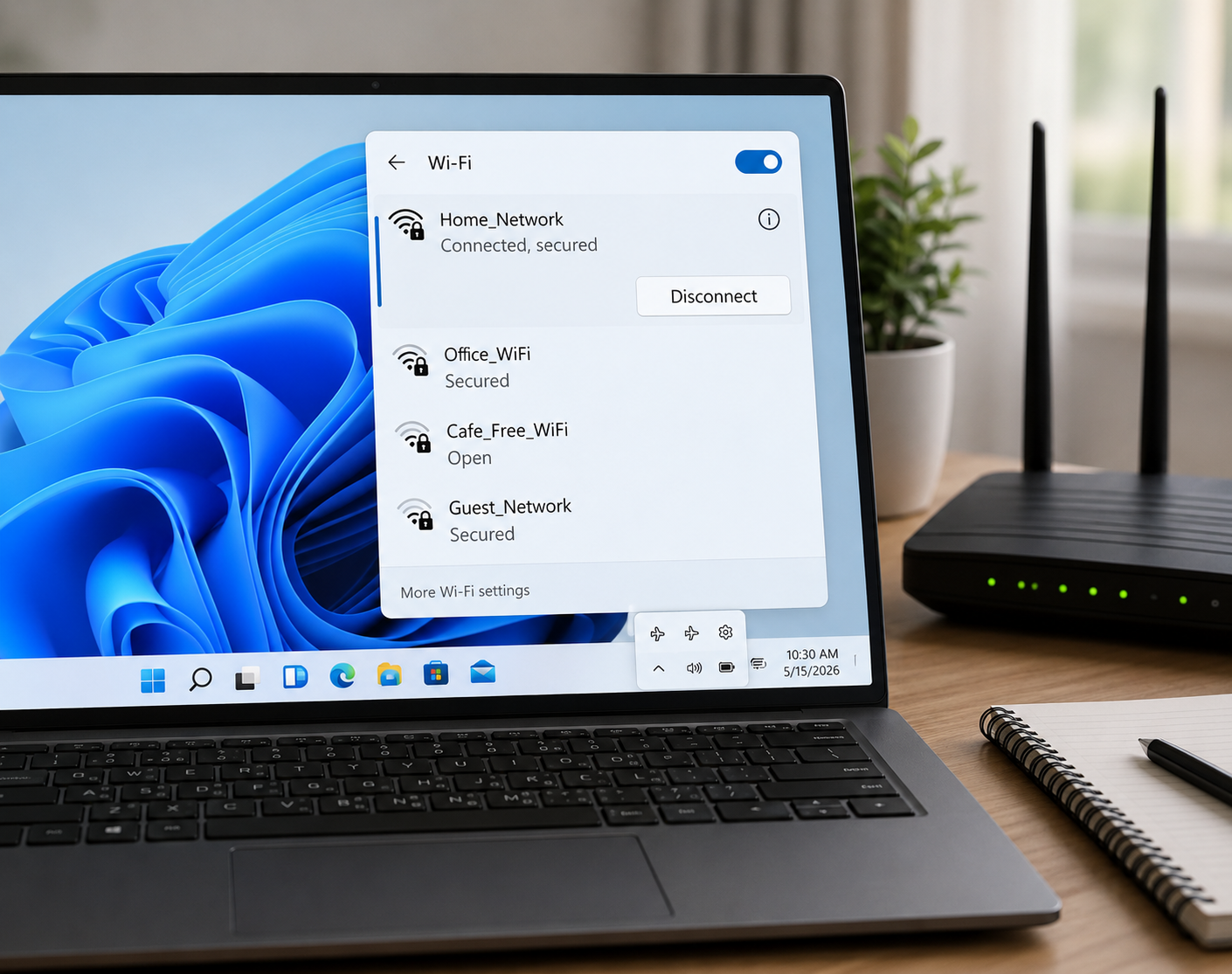
Router lights usually show power, internet, WiFi, and connection activity. If the internet light is off or blinking differently, the router may not have active internet access.
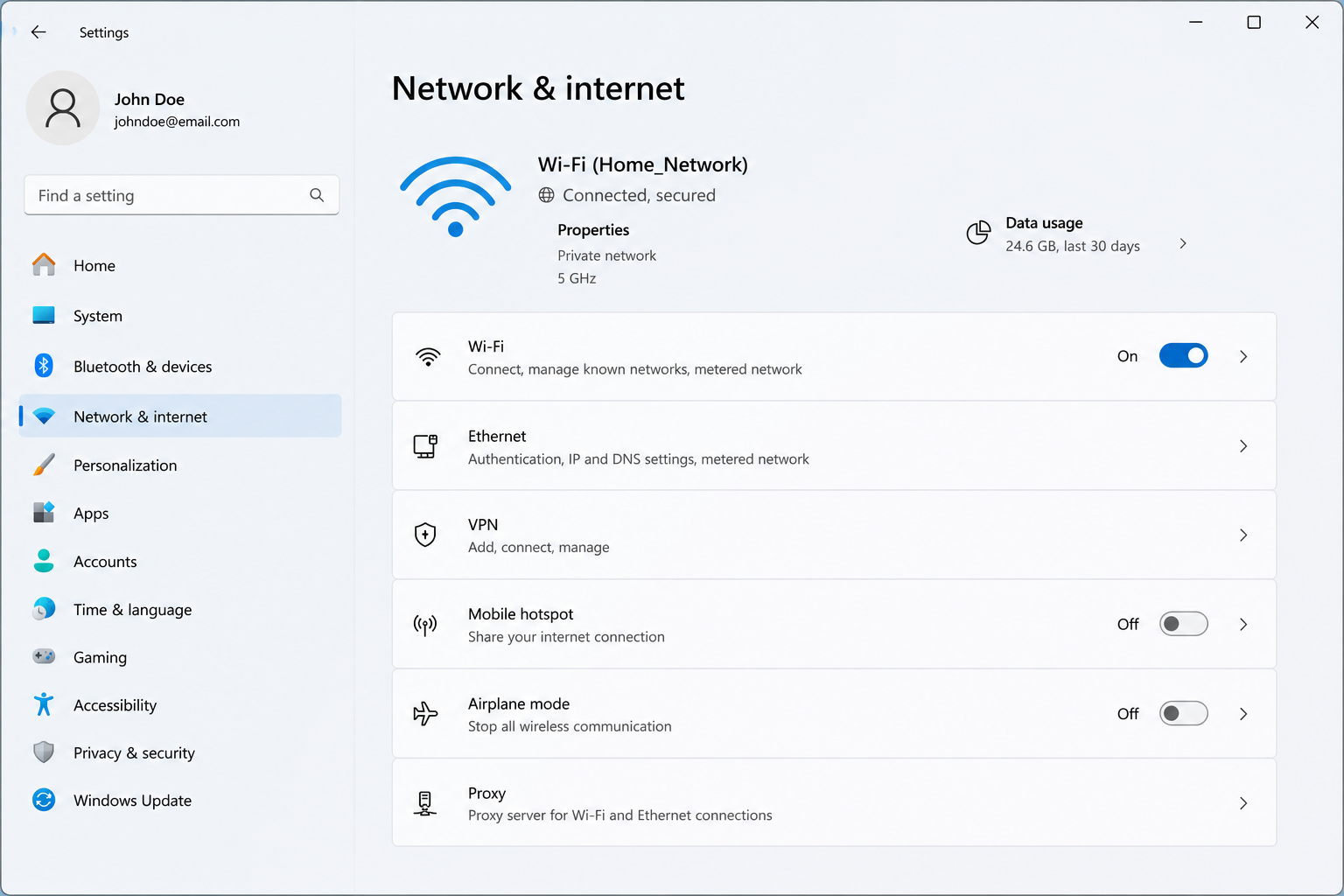
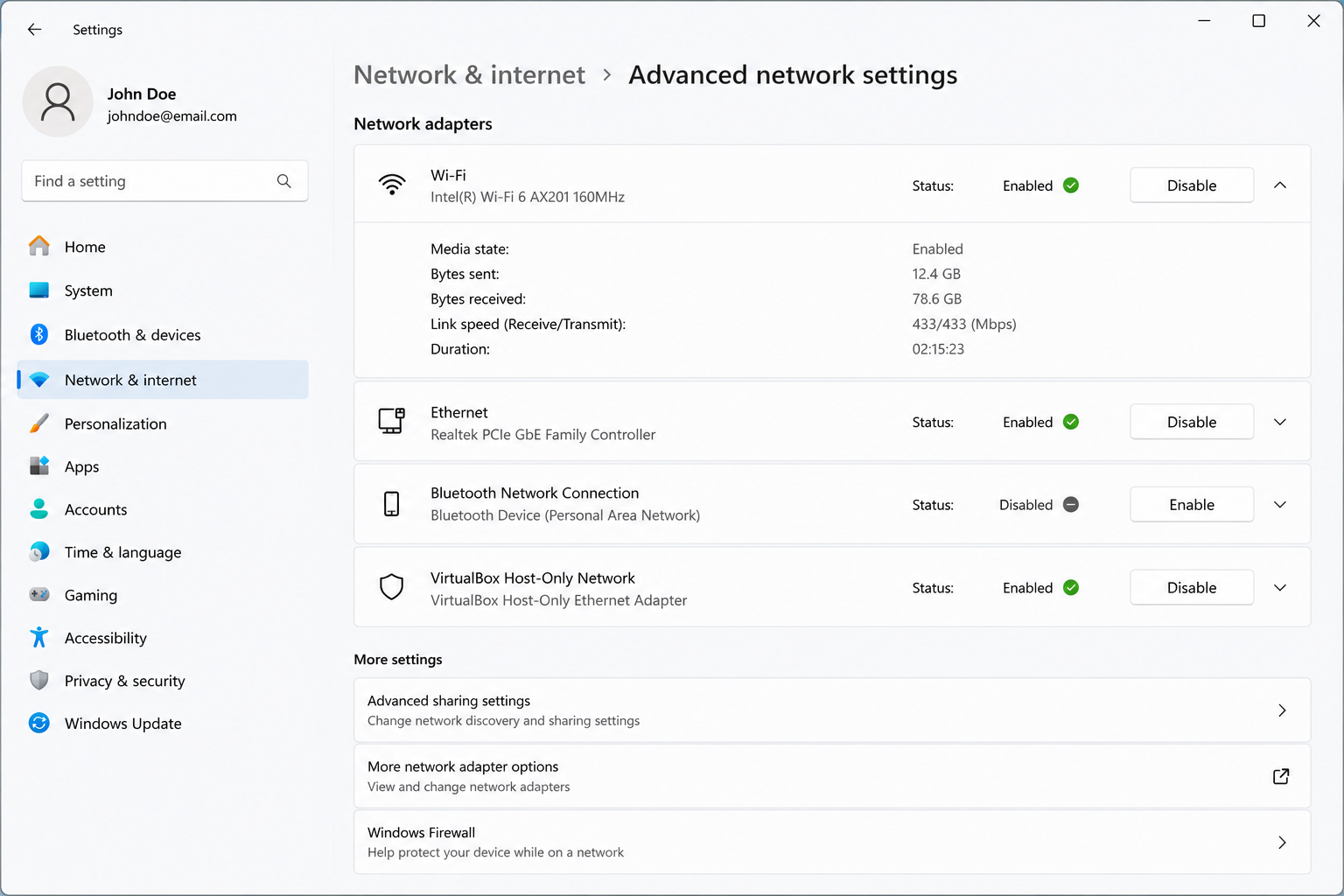
Win network settings show whether WiFi is enabled, which network is connected, and whether the device reports internet access.
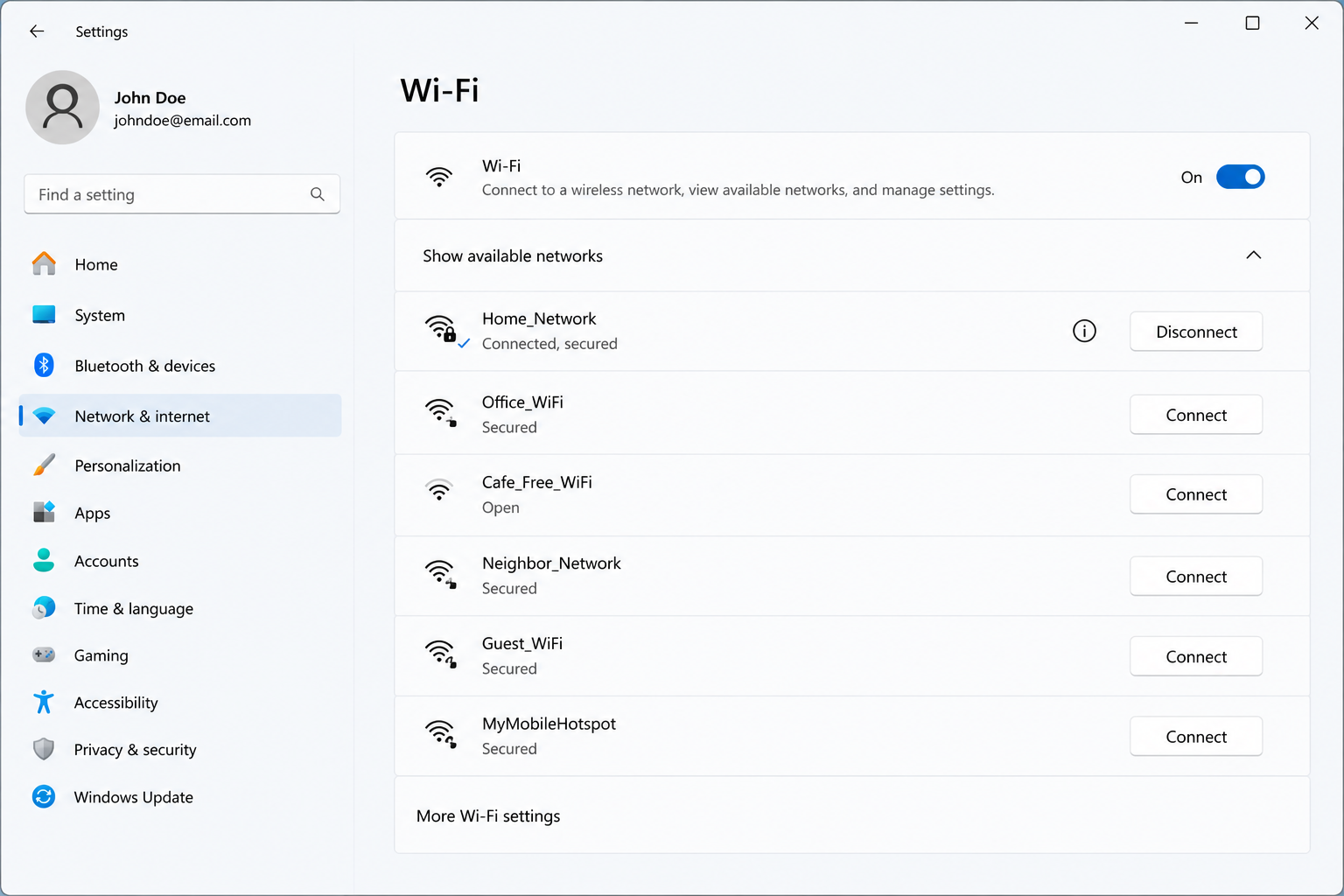
The WiFi network list helps users check whether nearby networks are visible and whether the correct network name appears.
The adapter area shows whether the wireless device is enabled, disabled, missing, or not responding as expected.
Router internet light, modem, ISP status, network settings
WiFi toggle, airplane mode, adapter status, router broadcast
Correct network name, updated password, saved network settings
Signal strength, distance, router placement, device load
Number of devices, router location, background downloads, signal quality
Simple answers about common WiFi signs, router behavior, and network concepts.
It usually means the device is connected to the router, but the router may not currently have active internet access.
The router may not be broadcasting, WiFi may be turned off, or the wireless adapter may not be active.
Slow speed can relate to distance, weak signal, too many connected devices, background downloads, or router placement.
A warning icon usually indicates limited or no internet access even though a network connection exists.
Yes. This page explains common WiFi screens and concepts for educational reading.
Read more educational guides about printer learning, email basics, PC performance, and Win update concepts.