

How to Connect a Printer to Your PC
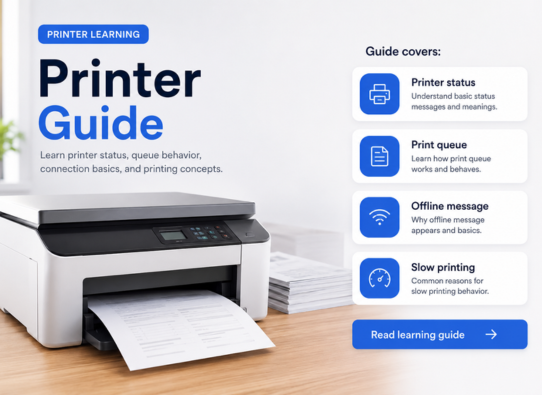
Learn how printer connection usually works through USB, Wi-Fi, printer settings, print queue, and basic device detection.
Simple educational guides about software drivers, printer behavior, network basics, Windows updates, and everyday computer concepts.
Popular learning areas
Browse simple educational guides about drivers, devices, updates, and everyday computer behavior.
01
Printer drivers, queues, and printing concepts.
02
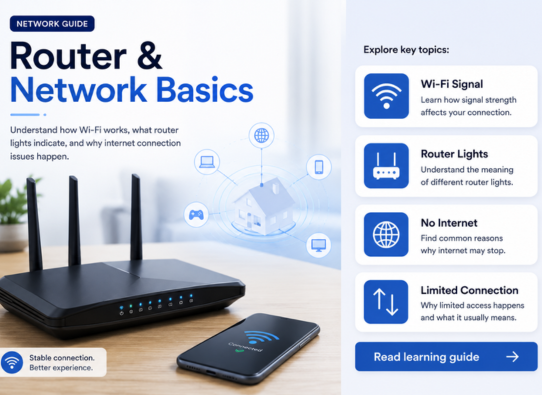
Wi-Fi, router behavior, and network basics.
03
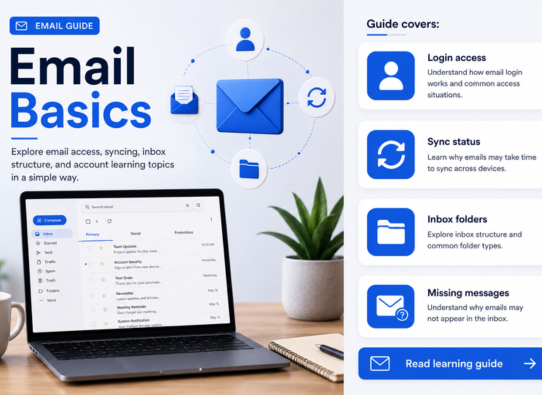
Email access, syncing, and inbox structure.
04
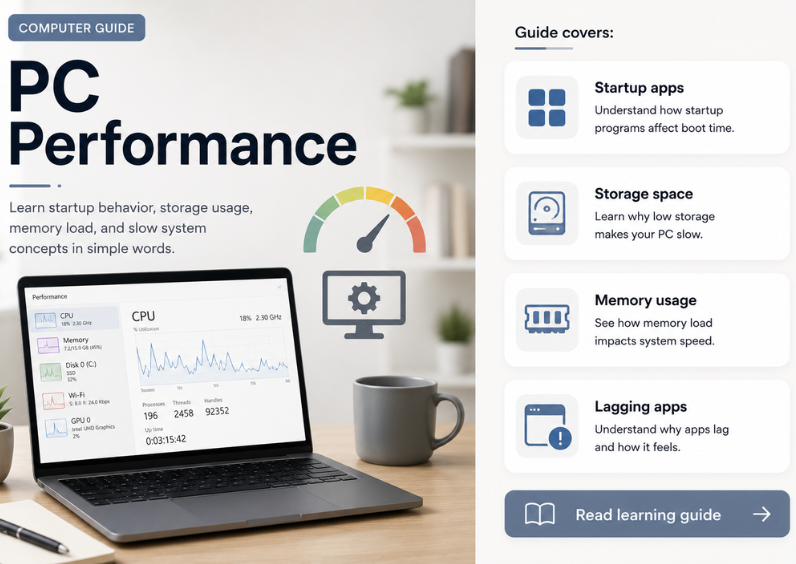
Startup, memory, storage, and system load.
05
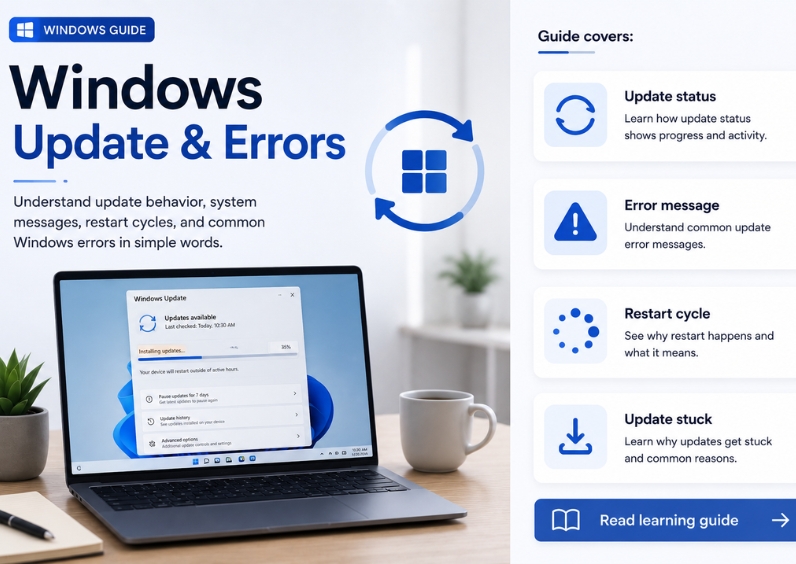
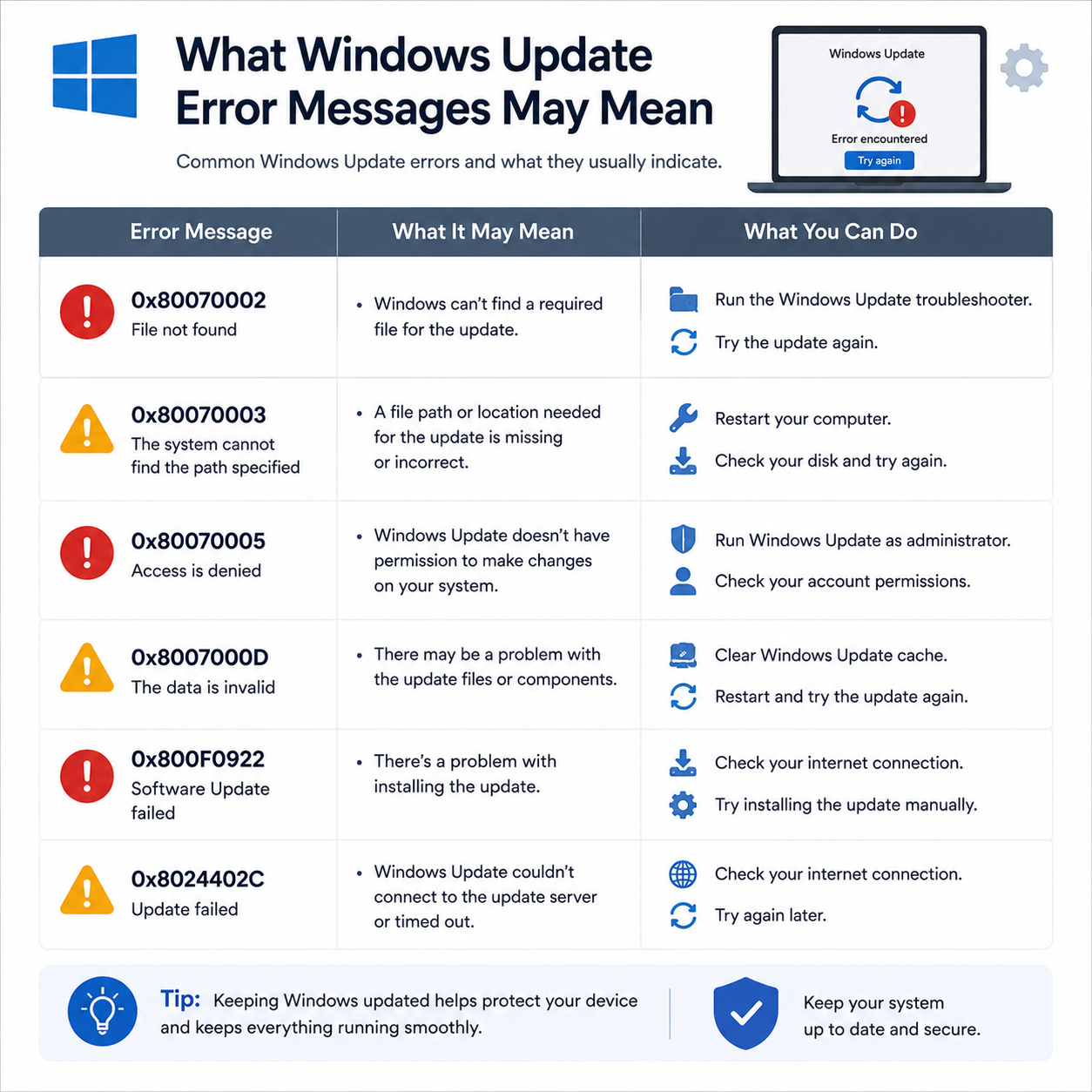
Update messages, errors, and restart behavior.
About our learning guides
This website explains common digital topics in a calm educational format. Readers can learn about printers, routers, email, computer performance, and Win update concepts without service-style wording.
Clear topic guides created for understanding, not live technical support.
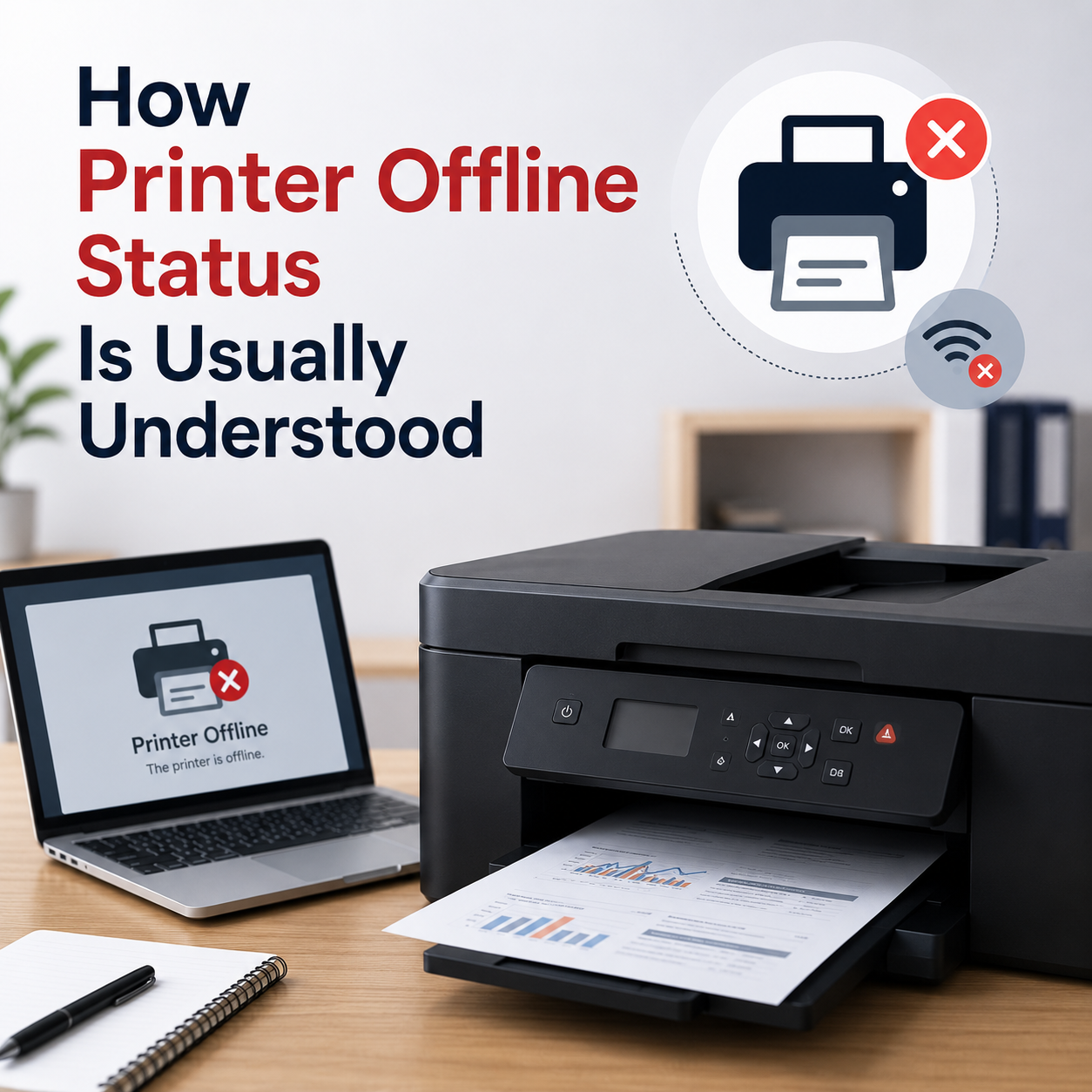
Print queues, offline status, setup concepts, and printing behavior.
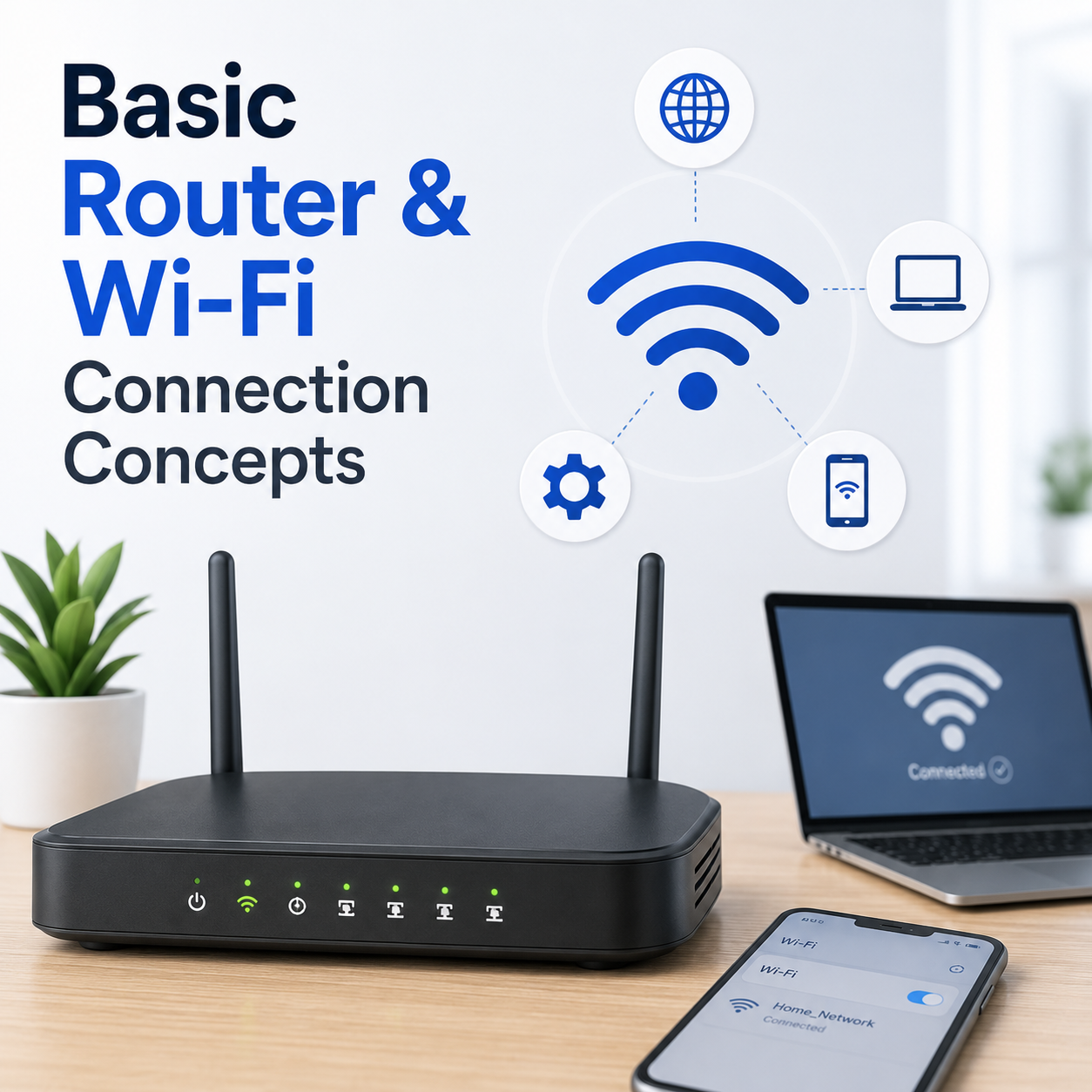
Wi-Fi connections, router settings, and network explanations.
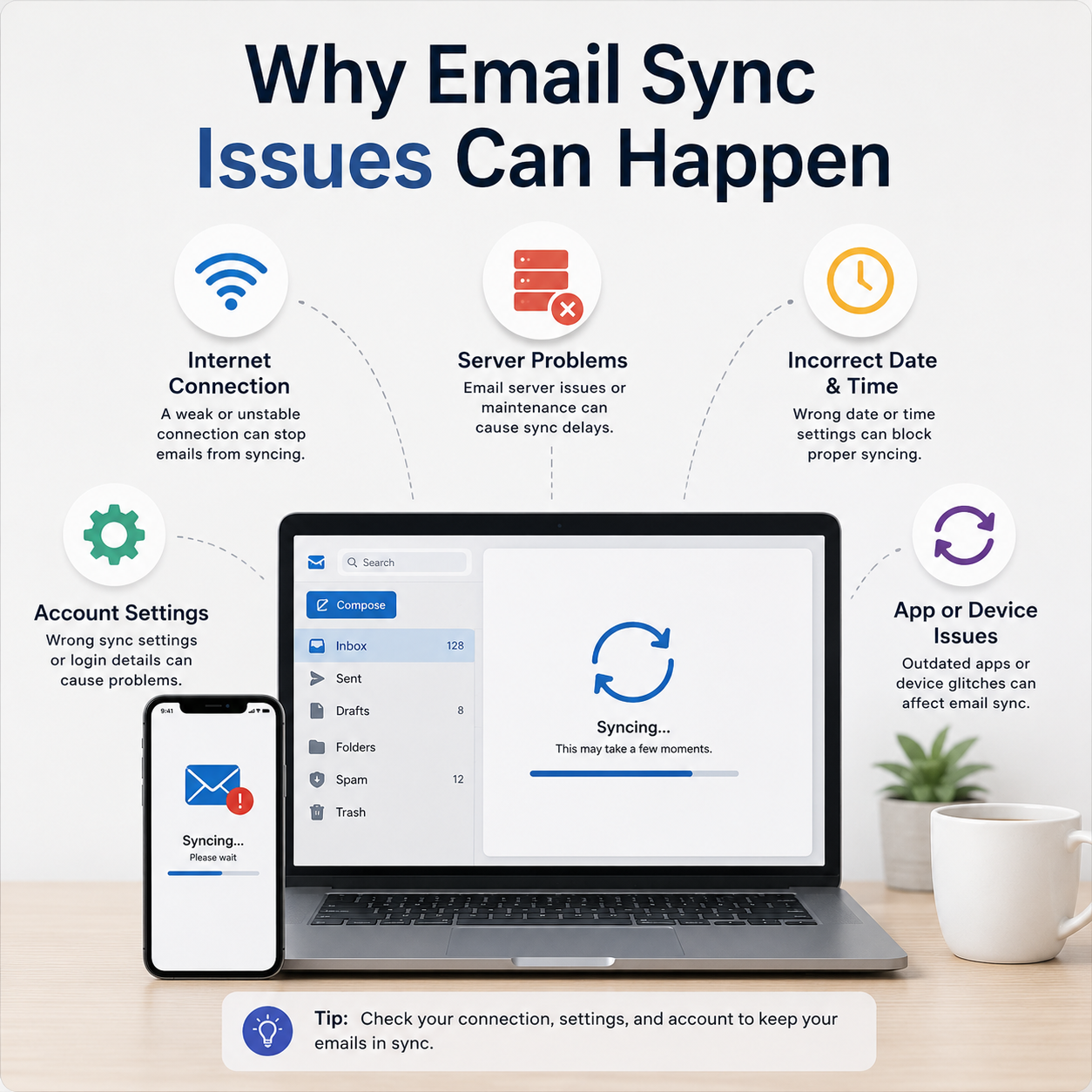
Email access, syncing, inbox structure, and account topics.
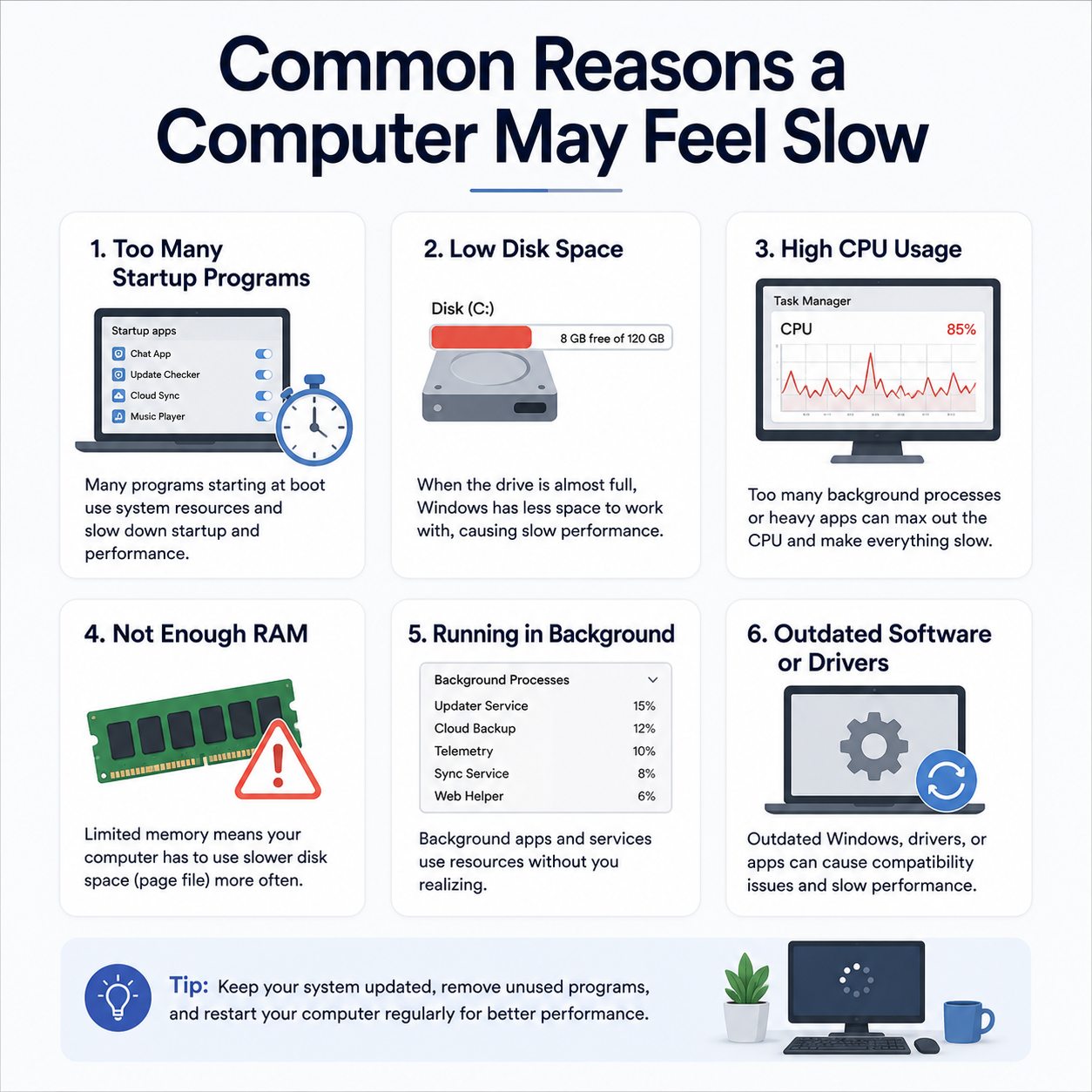
Startup behavior, storage load, memory usage, and slow systems.
Update behavior, system messages, restart cycles, and errors.
Practical learning guides
Learn what common driver, printer, Wi-Fi, email, and update topics mean in a clean educational format.
Learn how printer connection usually works through USB, Wi-Fi, printer settings, print queue, and basic device detection.
Understand why drivers are used, how they help hardware communicate with the computer, and when driver-related issues may appear.
Learn common router and Wi-Fi basics such as signal strength, router lights, connection drops, and limited network messages.
Explore how email accounts, inbox folders, syncing, login access, and missing messages are commonly understood.
Learn about update status, restart cycles, error messages, and what these update screens generally mean.
Common questions
These questions explain what this guide website provides and how the content should be understood.
Educational reading only. No phone support, remote access, repair, or installation service.
No. This website provides educational guides only. It does not offer live repair, remote access, phone support, or troubleshooting services.
You can learn about printer topics, router and networking basics, email access, PC performance, and Win update or error concepts.
Yes. The guides explain common signs users may notice and what those signs may generally mean in a learning context.
No. The content is created for learning and awareness only, not for repair, installation, or technical service.
Yes. The guides use simple language and organized sections for readers who want to understand basic technology topics.
How our guides work
Each guide is written for learning only. The content helps readers understand common signs, basic checks, and general topic explanations.
Learn what signs may appear in printer, router, email, PC performance, and Win update topics.
Understand possible meanings behind offline messages, sync delays, slow startup, Wi-Fi drops, and update messages.
Move through topic-based learning pages that explain each area in a simple, organized guide format.
Educational Blog
Simple articles about printers, routers, email, PC performance, and Win update concepts.
Read a simple educational explanation without live support or repair claims.
Read article
Read a simple educational explanation without live support or repair claims.
Read article
Read a simple educational explanation without live support or repair claims.
Read article
Read a simple educational explanation without live support or repair claims.
Read article
Read a simple educational explanation without live support or repair claims.
Read article